


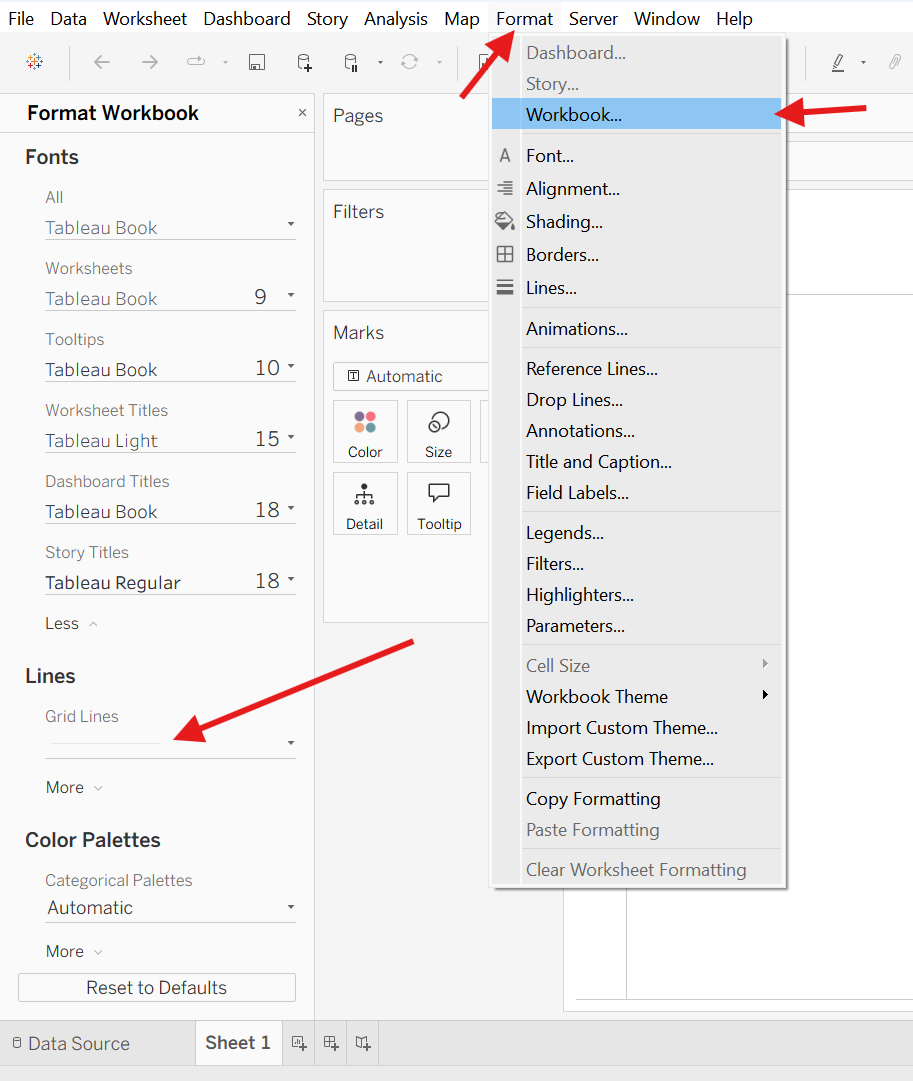
- Clear gridlines from all the sheets on the dashboard/workbook
Go to Format -> Workbook -> Grid Lines -> (Change Automatic to Off)
- Expanding Tables: Ctrl + Arrows
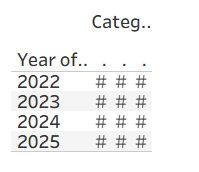
If you ever make a table that's too small to show the measures inside, it will show # instead of the actual numbers.
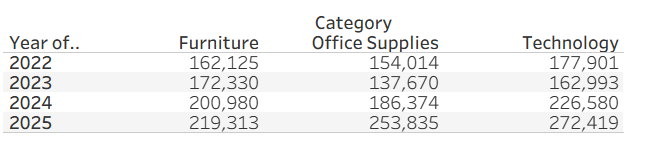
Instead of manually dragging the table to be bigger, you can use your Arrow keys and Control button to expand the table faster!
- Copy Formatting
When you right click on a sheet, there is an option to Copy the Formatting of the sheet.
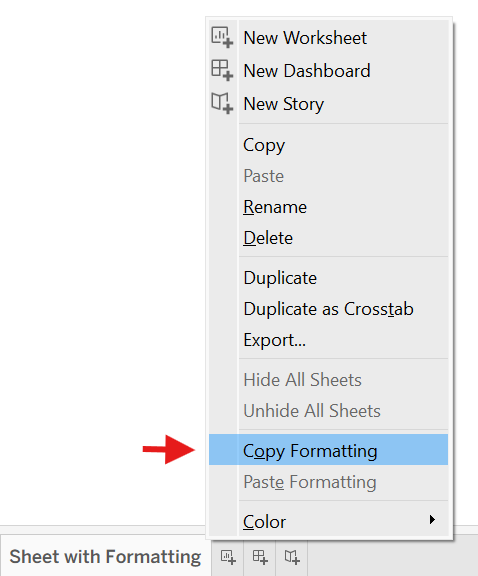
Then you have an option to paste the formatting onto a new sheet.
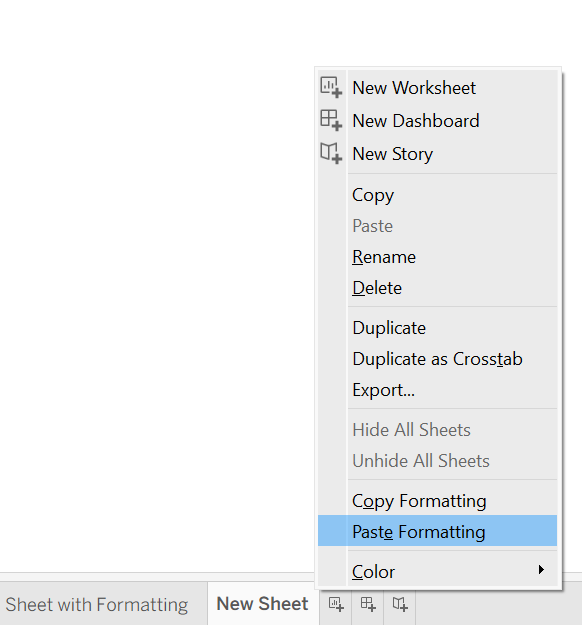
Robert Headington has a great blog post and gif that shows this process, so I recommend checking it out here!
I hope some of this saved you time!