


When creating dashboards to be uploaded to Tableau Public, one might want the data to be refreshed periodically in order to update the charts and tables shown. Normally, this is not possible automatically, and requires a manual refresh of the data, and a re-upload of the workbook. However, if connecting to Google Sheets, you have the option to auto refresh data sources every 24 hours. This option exists ONLY for Google Sheets, and not any other file type.
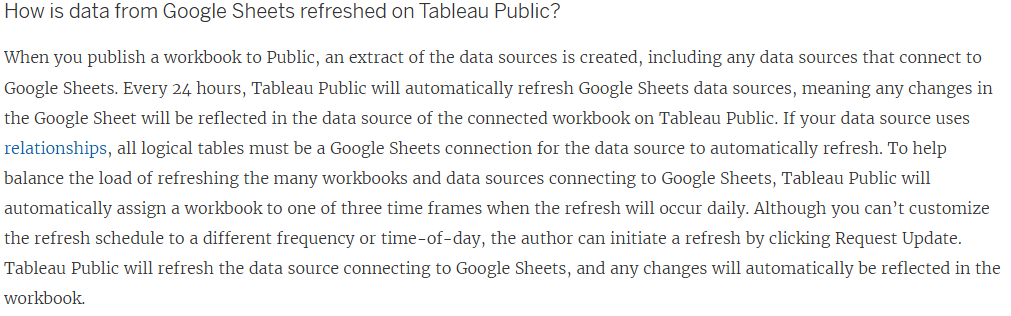
According to Tableau, this is how Google Sheets data is refreshed:
How do we actually connect to the sheet?
The first step is to open Tableau, and navigate to the server section of the connection pane:
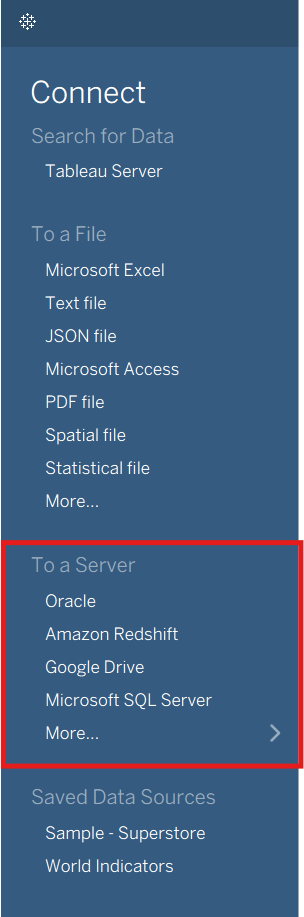
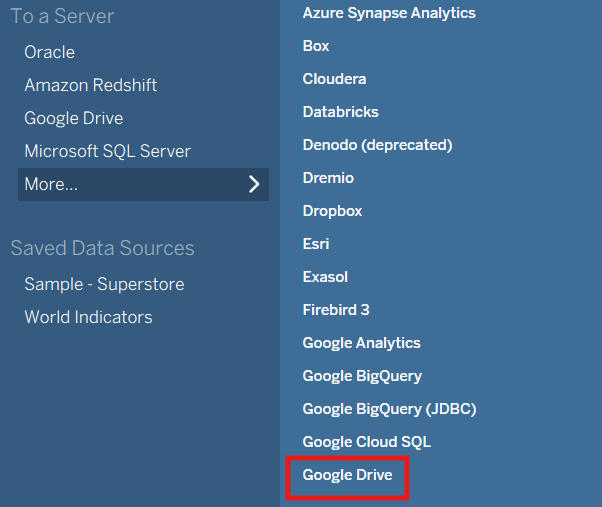
You will then click on "more" and navigate to the Google Drive section:
You will then be prompted with a pop up window, to sign into Google Drive. Tableau will ask for permission to access your Google account.

After clicking Continue, you will be directed back into Tableau Desktop, where your Google Drive instance will open. From here, select the .gsheet file that applies to your data, and double click on it to connect.
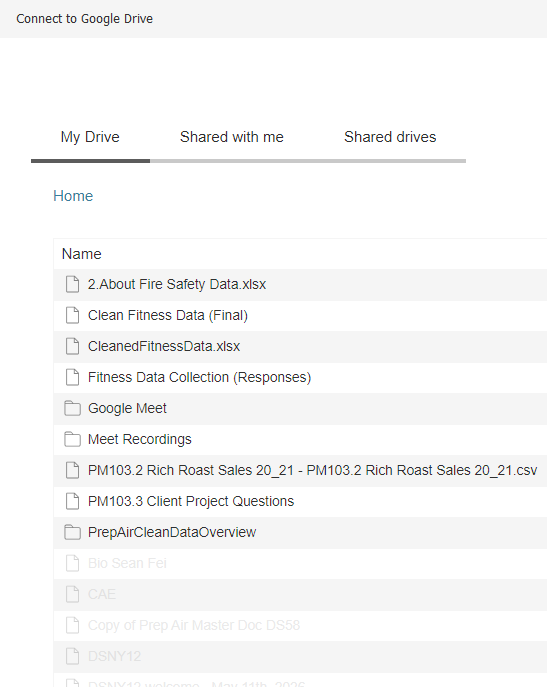
Congrats! you are now connected to Google Sheets, and the data in your Tableau Public Workbook will now refresh every 24 hours!