


The Presentation Panic
Do you know the feeling? You’ve documented your project in Notion perfectly – clean, organized, and detailed. Of course you did! ;-)
But then, "suddenly," that presentation deadline appears out of nowhere. There’s no time left to scramble and copy the key points into Google Slides or PowerPoint.
No problemo!
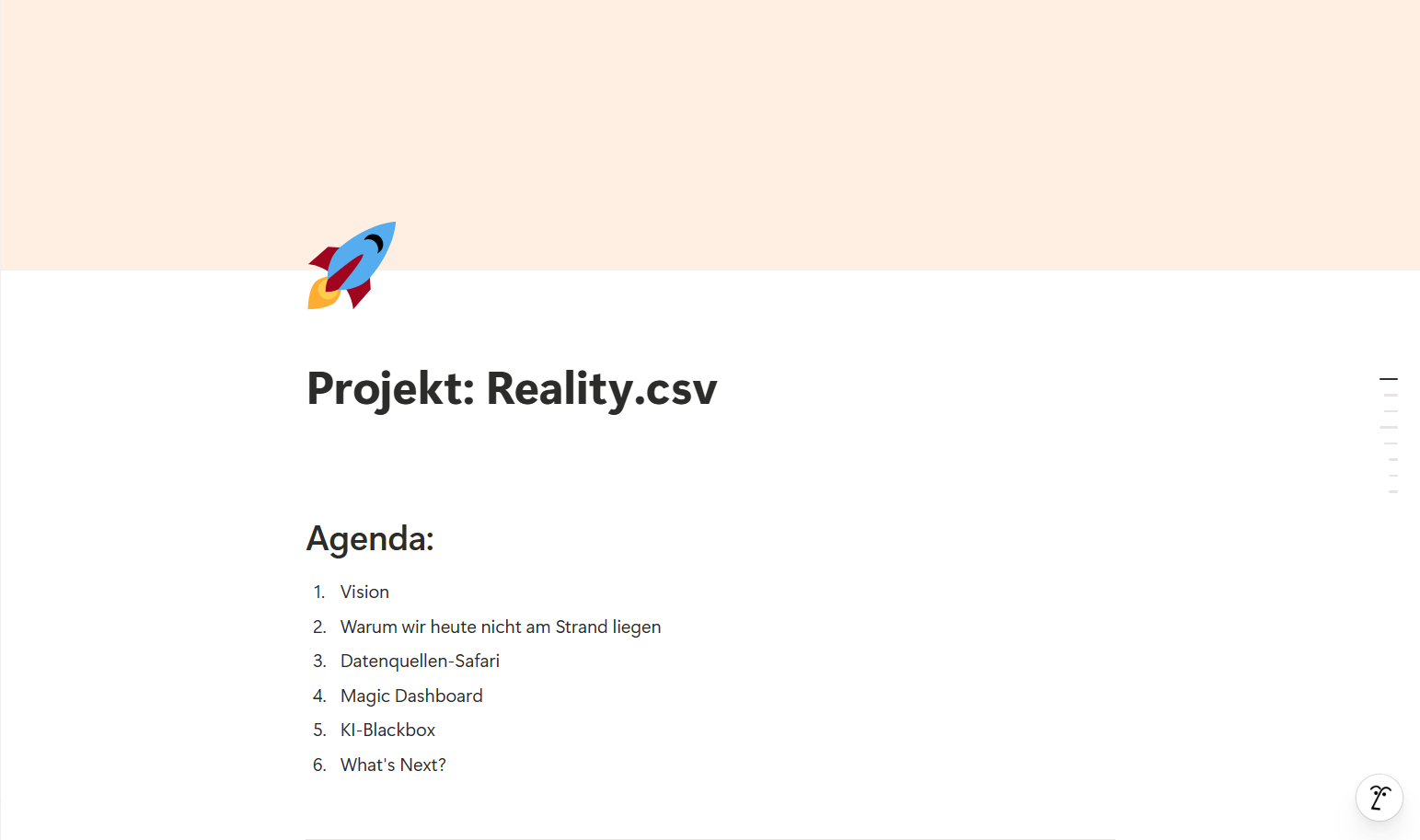
The Secret Shortcut: "Present"
Inside Notion, you’ll find the incredibly handy "Present" feature, which instantly transforms your Notion page into professional presentation slides.
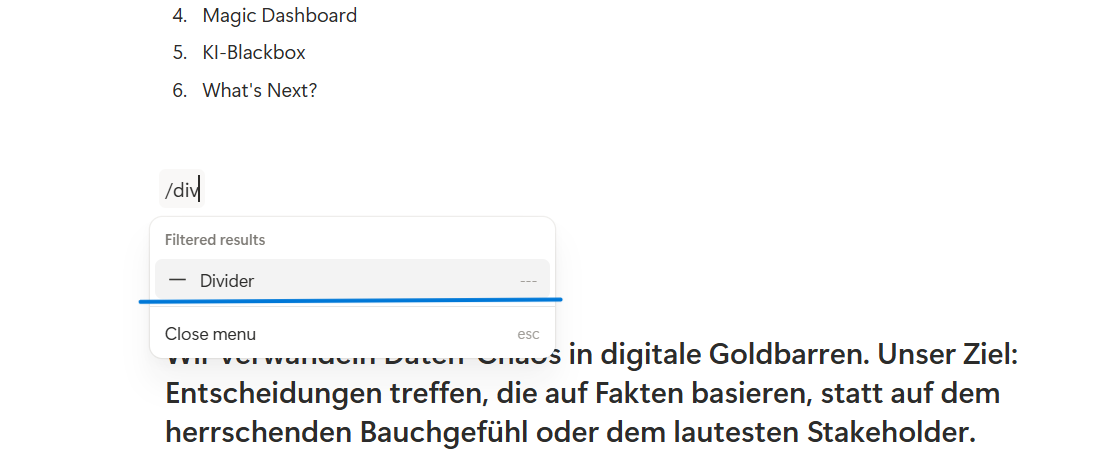
Step 1: Structure with Dividers
To set the rhythm of your slideshow, simply structure your notes by inserting a divider between each section. Each divider acts as a "page break" for your slides.
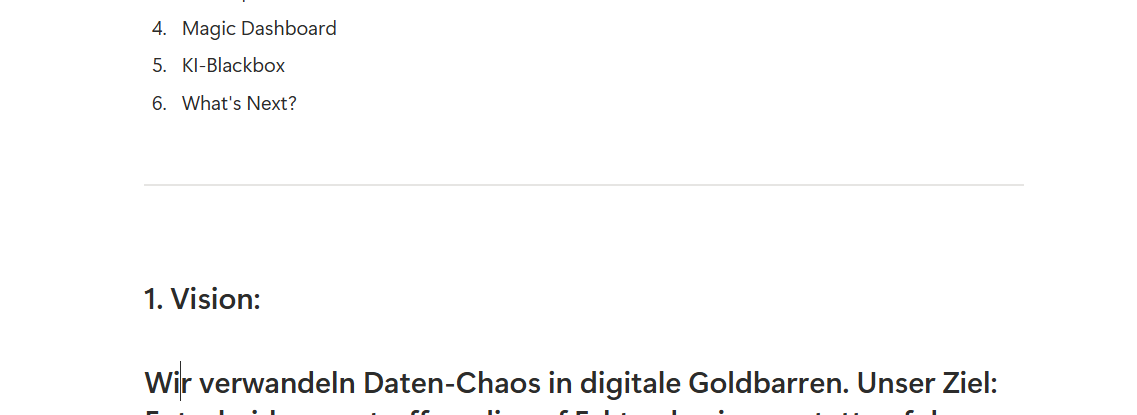
This is what it looks like afterwards.
The Pro-Tip for Speed
Alternatively: Just type --- (three dashes) or /--, and Notion will automatically create a divider for you. Quick and easy!
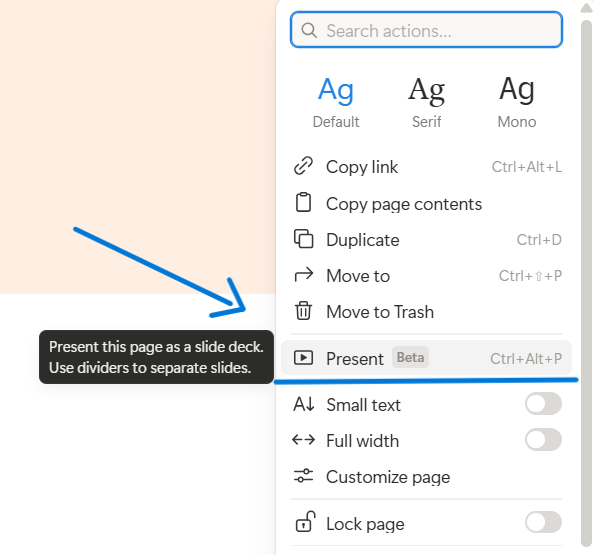
Step 2: Launch the Show
Once your page is structured, head over to the menu (the three dots in the top right corner) and select "Present."
Ready for Takeoff
And just like that, you’re ready to go!

See you at your next Friday presentation! No rush, just “Present”! 🙂