Task
Find a publicly available dataset online and use it to build out a data model. Load the dataset into Snowflake, and then publish a Tableau Published Data Source to Tableau Server.
My Plan
I selected a dataset containing U.S. flight delays and cancellations from 2015. After reviewing and understanding the data I started sketching my schema for the model.
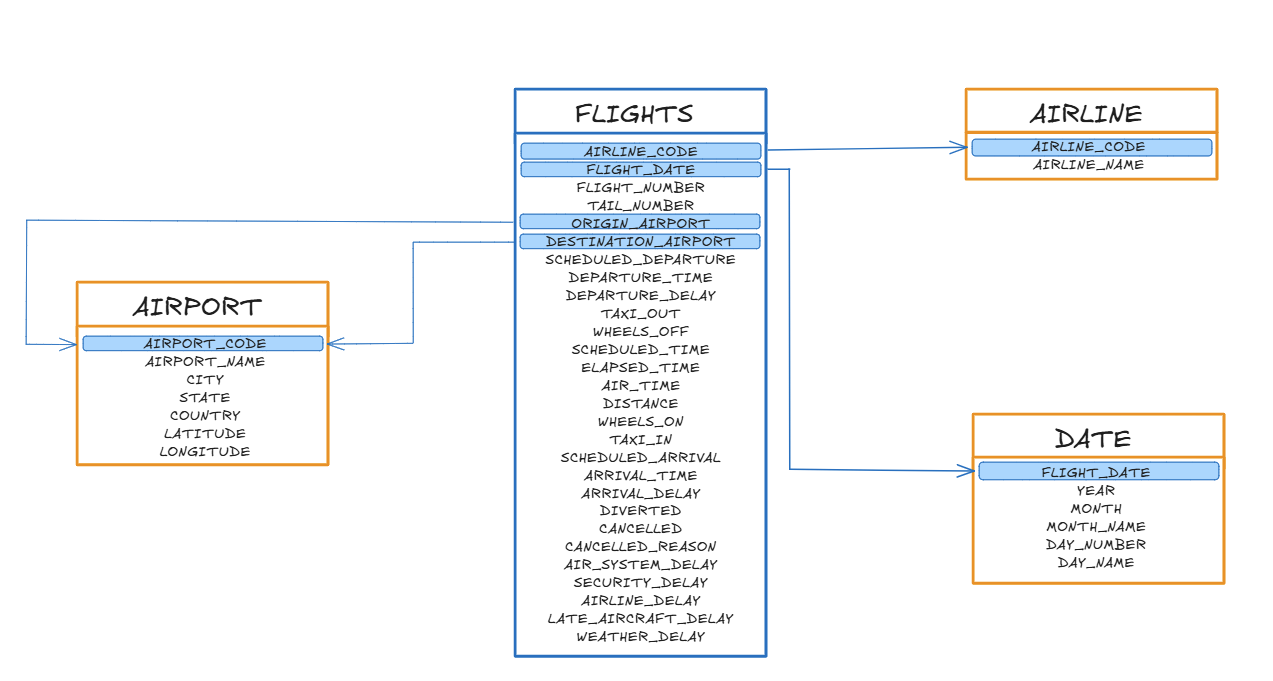
The primary table, Flights, serves as a fact table and contains one record for each flight conducted in the US during January of 2015. Supporting Airline and Airport reference tables are used as dimension tables for the user to get more information. A notable decision was using the Airport table to represent both the Origin Airport and the Destination Airport.
Challenges
- Finding a dataset that was “perfect” for the task. Gave myself a cutoff at the one-hour mark.
- The dataset I picked had millions of rows, since it included every flight in the US for an entire year. To solve this, I ended up filtering my data to only show January flights.
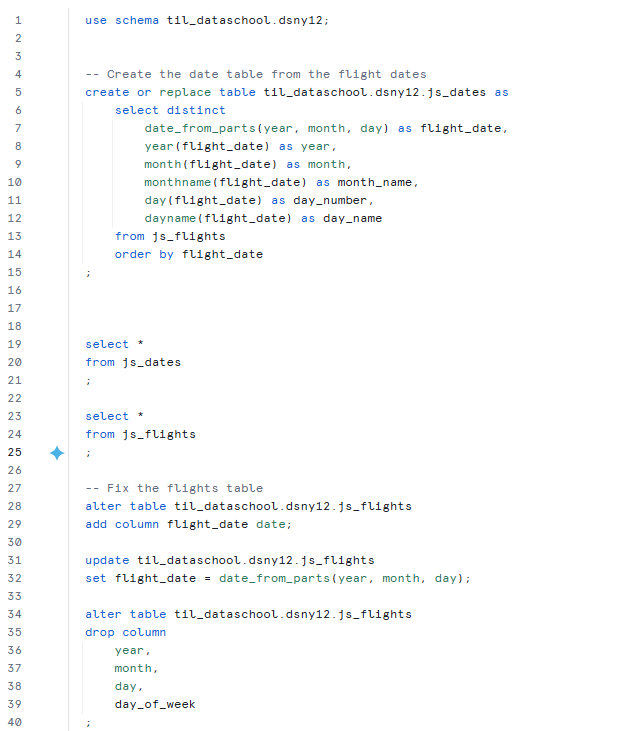
- Deciding how I wanted to create a date table. My initial thought was to create a date scaffold. However, I decided to build the dimension directly from the dates present in the flight data. Making sure I only contained relevant records.
Completed Work
- Created a schema for the dataset
- Separated date into its own table and created FLIGHT_DATE as a key.
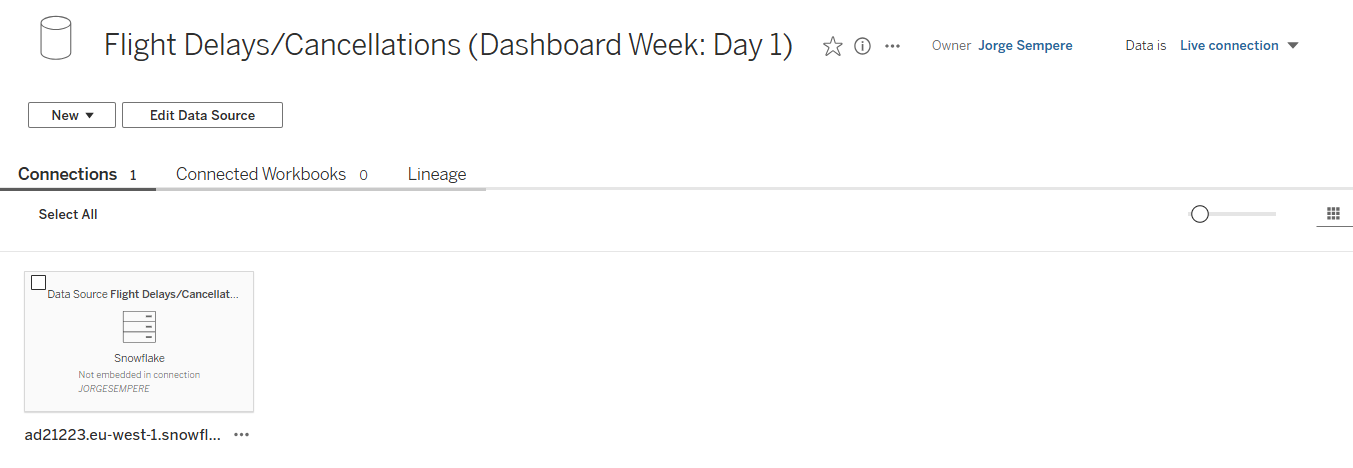
- Connected Tableau Desktop to our Snowflake Server
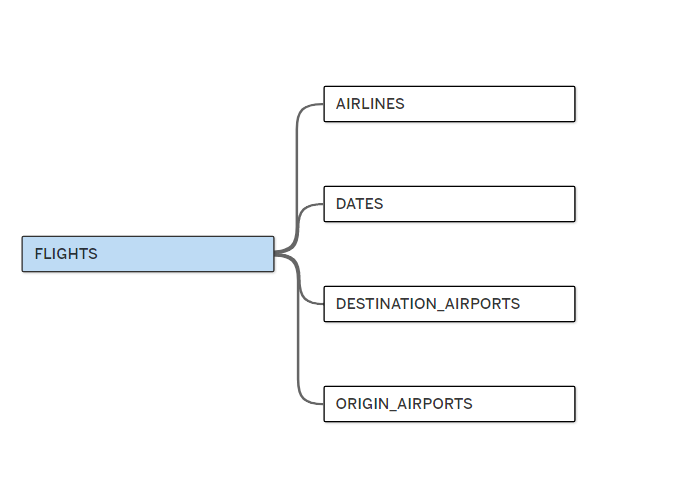
- Created a Tableau Published Data Source with the schema relationships