


Today I will going to publish 2 different tips, one about sorting in Tableau and another one about Tableau Server…
Let’s start with the sorting tip!
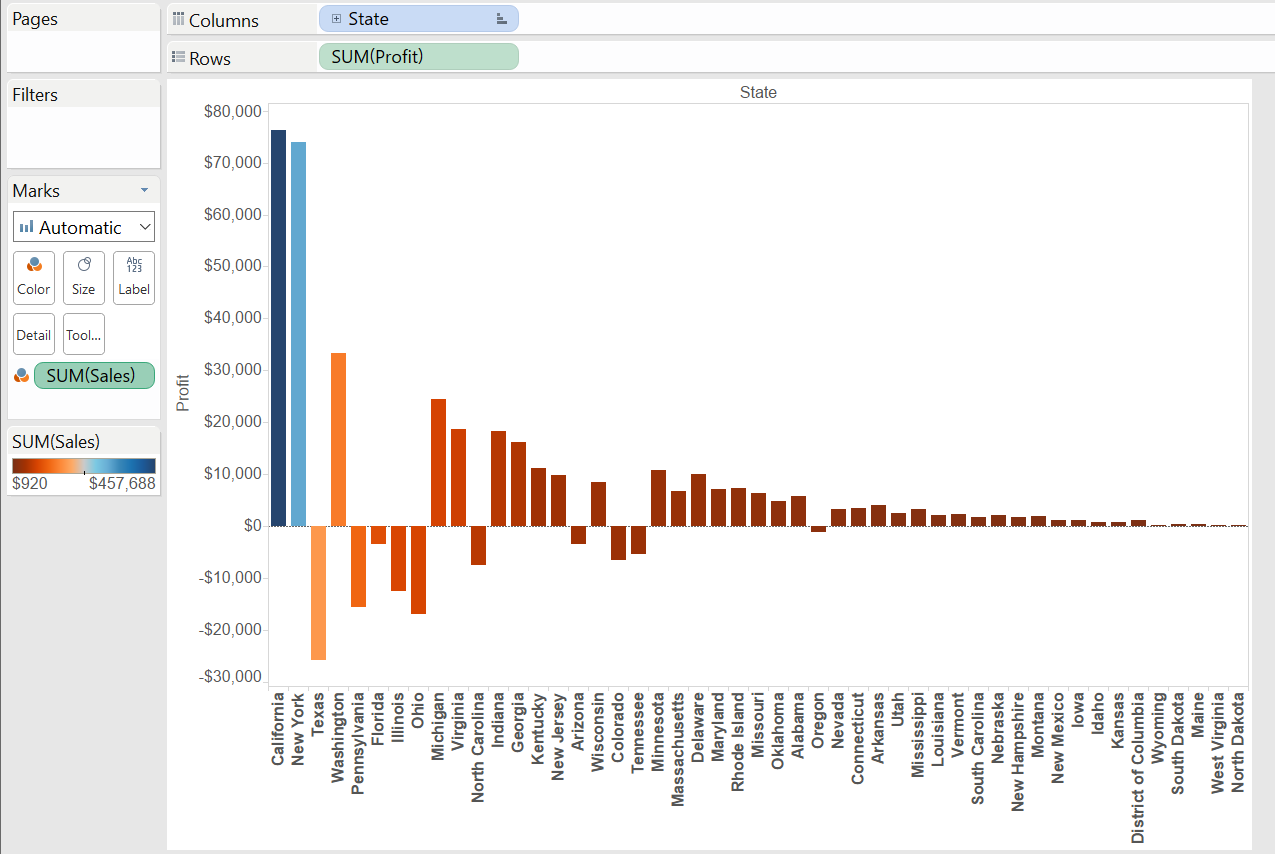
Just use “Sample – Superstore” and drag State on Column and Profit on Rows:
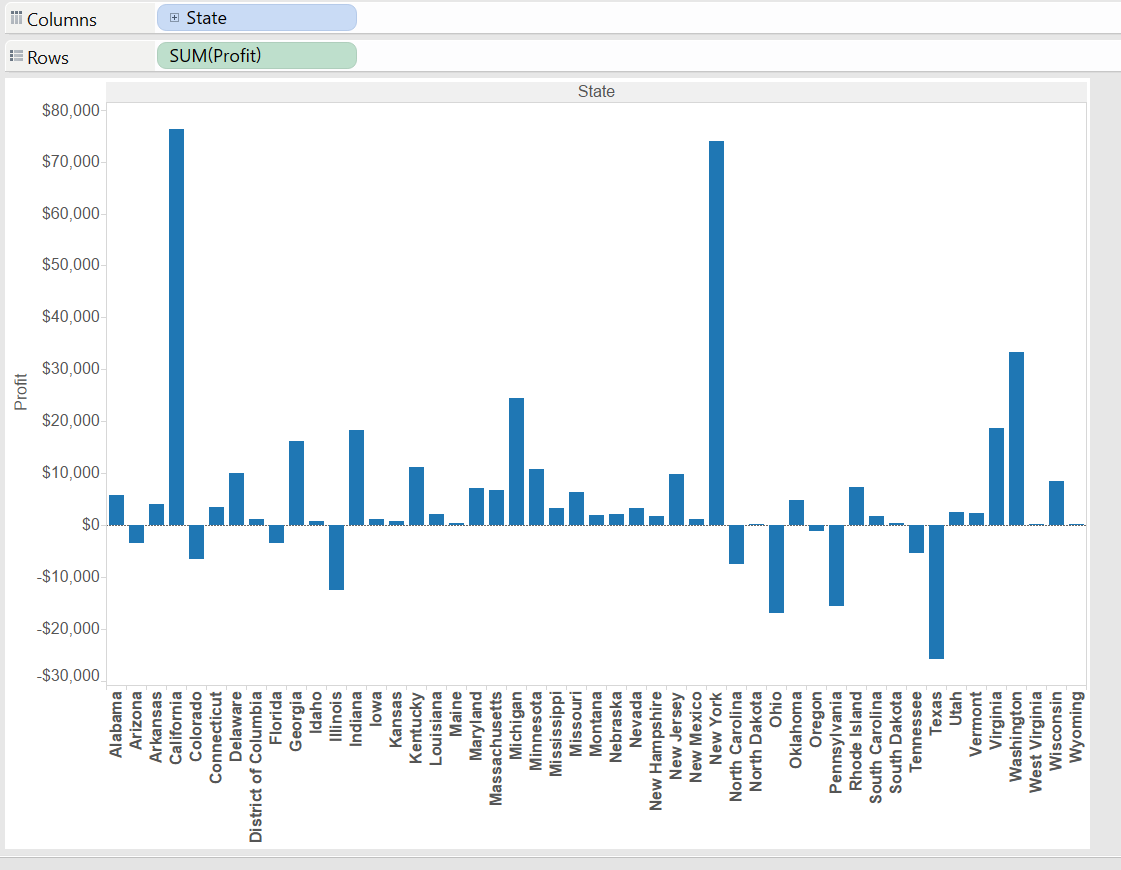
It is possible to sort by profit in different ways, from the axis
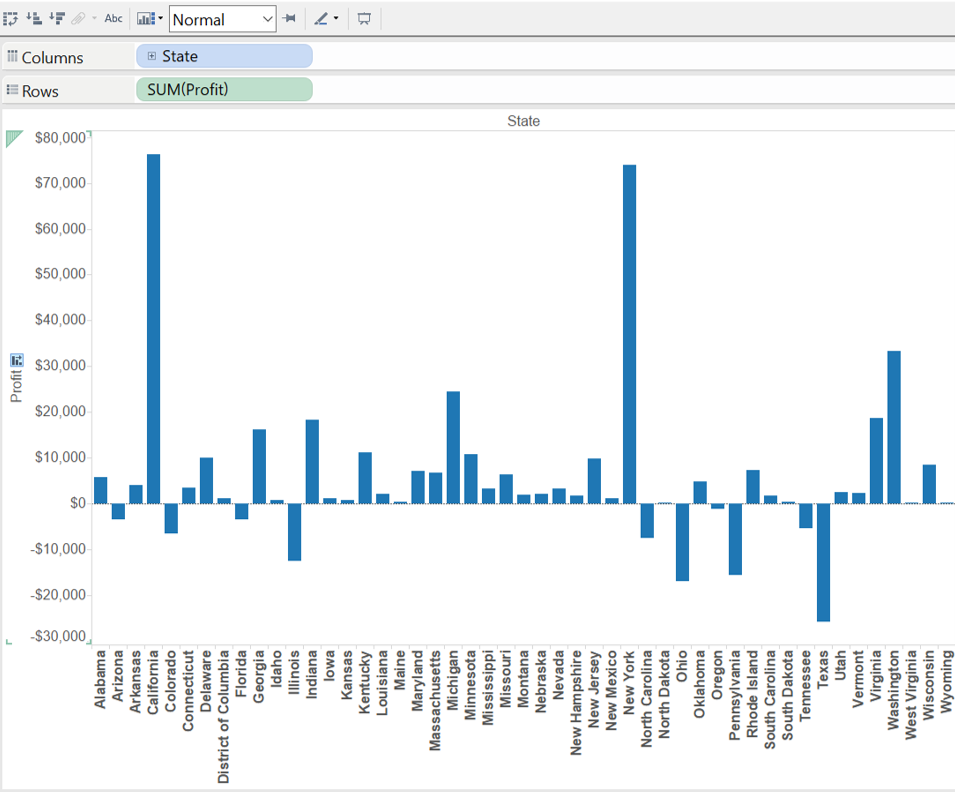
or from the toolbar
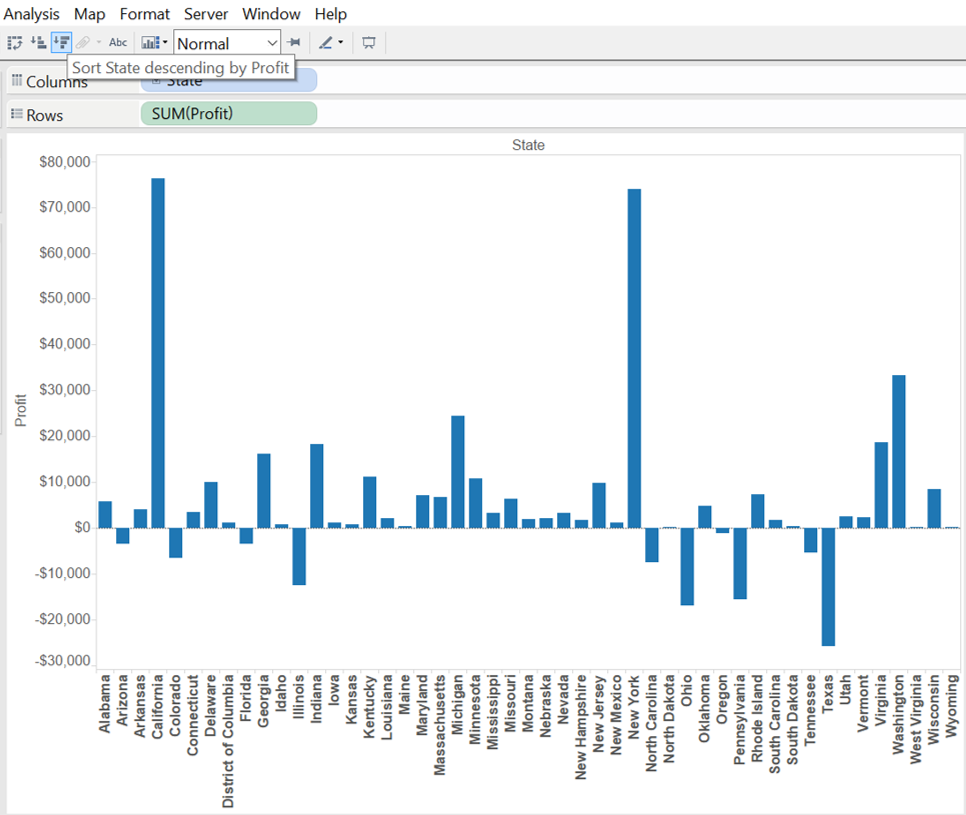
But what if you want to sort by SUM(Sales) for example? Here a quick way to do it!
- Drag SUM(Sales) into Colour in the Mark shelf
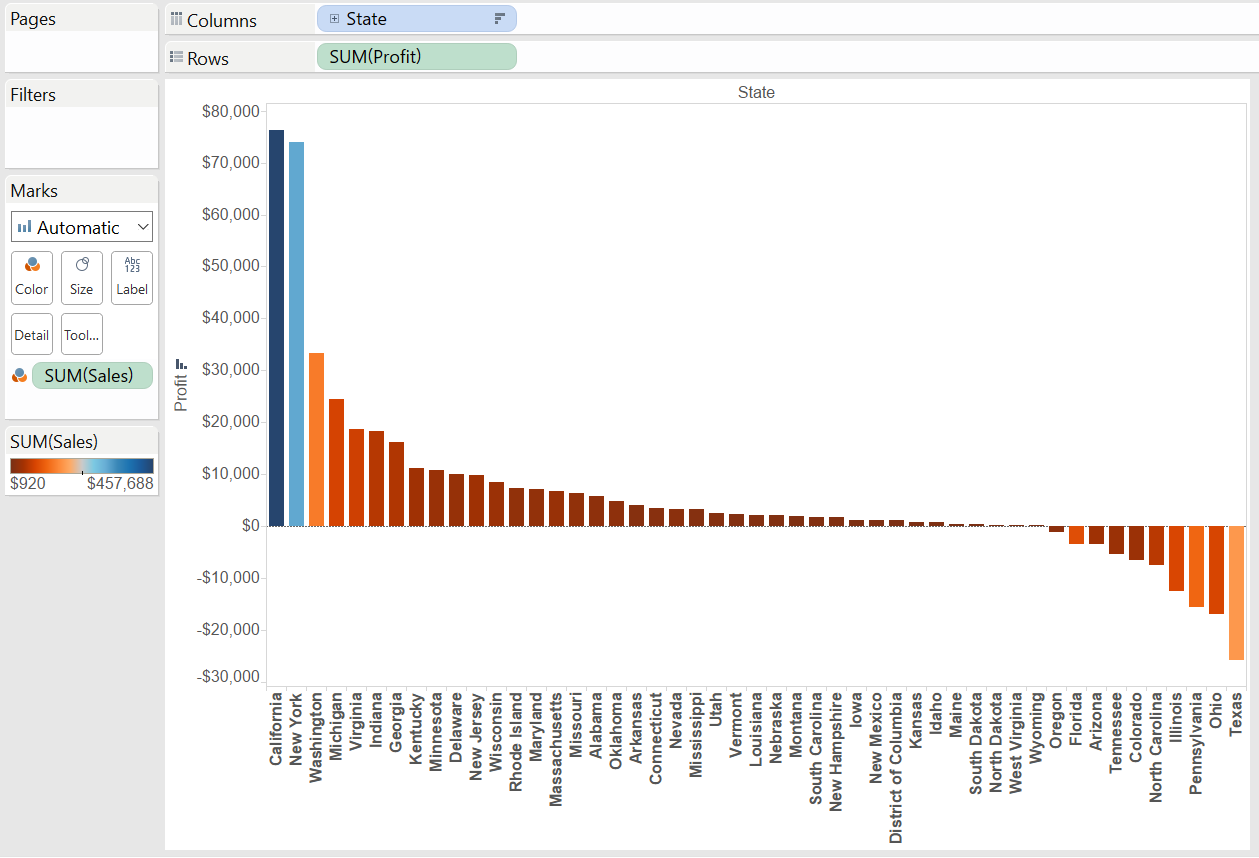
- Make sure to select SUM(Sales) and then click the sort in the toolbar:
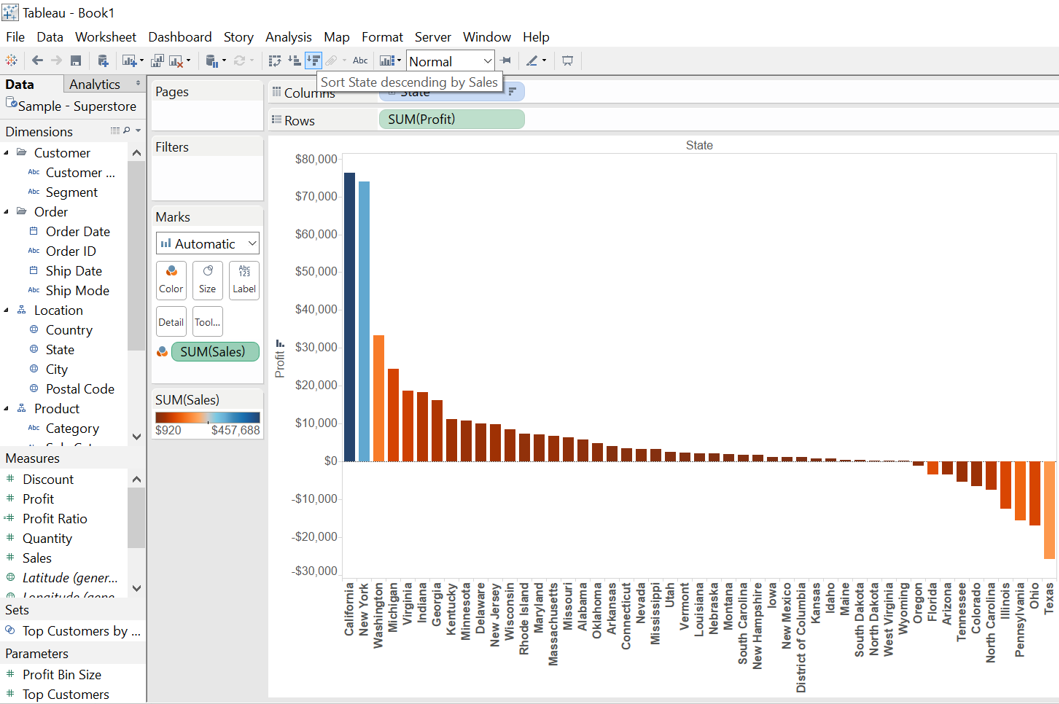
And below the result!
Hope you enjoyed it.
A presto!